
Scaling Product Operations for Global Teams: Lessons from SAP Commerce Backoffice Customization

When product operations expand across regions, the bottleneck is coordination, not volume. Each routine action spans more rules, roles, and follow-ups, with no shared system to align them. Scaling in this situation requires an operational model where the system guides the work, connecting related actions, separating the core platform from execution, and handling regional differences through configuration.
This article walks through what this model can look like, relying on practical insights from Expert Soft’s SAP Commerce Backoffice customization project. It shows what usually starts to break first as product operations grow, which workflows are the best candidates for simplification, and what structural decisions make scaling across teams and regions more manageable. It also offers a practical way to assess whether your current operating model is ready for global growth.
Quick Tips for Busy People
Here are the key takeaways to keep in mind before diving into the details:
- Scaling breaks workflows, not data: Clean data still fails if operations rely on manual steps and disconnected actions.
- Guided workflows replace manual coordination: Systems should connect related actions so teams focus on decisions, not execution logistics.
- Separate core platform from execution layer: Keep data stable while allowing workflows to adapt to real operational needs.
- Configuration enables global scale: Regional differences should be handled through setup, not duplicated processes or custom builds.
- Traceability is essential at scale: Every change must be visible, auditable, and accessible without relying on external tracking.
Below, we break down how these principles work and what it takes to implement them.
Why Product Operations Get Harder to Scale Across Global Teams
Scaling isn’t a data problem. A well-structured product data foundation helps, but even clean data hits a ceiling when the operational layer around it is built for one team in one context.
Here is what typically breaks down as you add regions and teams:
-

Different regions need different rules
Attributes, validation logic, and approval flows that work in one market do not translate automatically to another. Every exception becomes a manual workaround.
-

Different teams have different roles
A catalog manager in Germany and a pricing manager in the US both use the same system, but they need different views, different permissions, and different default actions. A generic interface serves neither well.
-

Simple changes have long tails
Deactivating a product sounds like a one-step action. In practice, it often requires updating a promotion, adjusting a related bundle, notifying a regional team, and logging the change somewhere. If those steps are disconnected, people either forget them or invent their own workarounds.
-

Manual steps don’t scale
What works for 500 SKUs becomes a liability at 50,000. The same effort multiplies with volume.
-

The same operation runs differently in different places
Without a defined workflow, teams improvise. Over time, you get inconsistent data, inconsistent records, and no clear way to audit what happened.
The fix is not more documentation or stricter standard operating procedures (SOPs). It’s an operational model where the system guides the work, not the other way around.
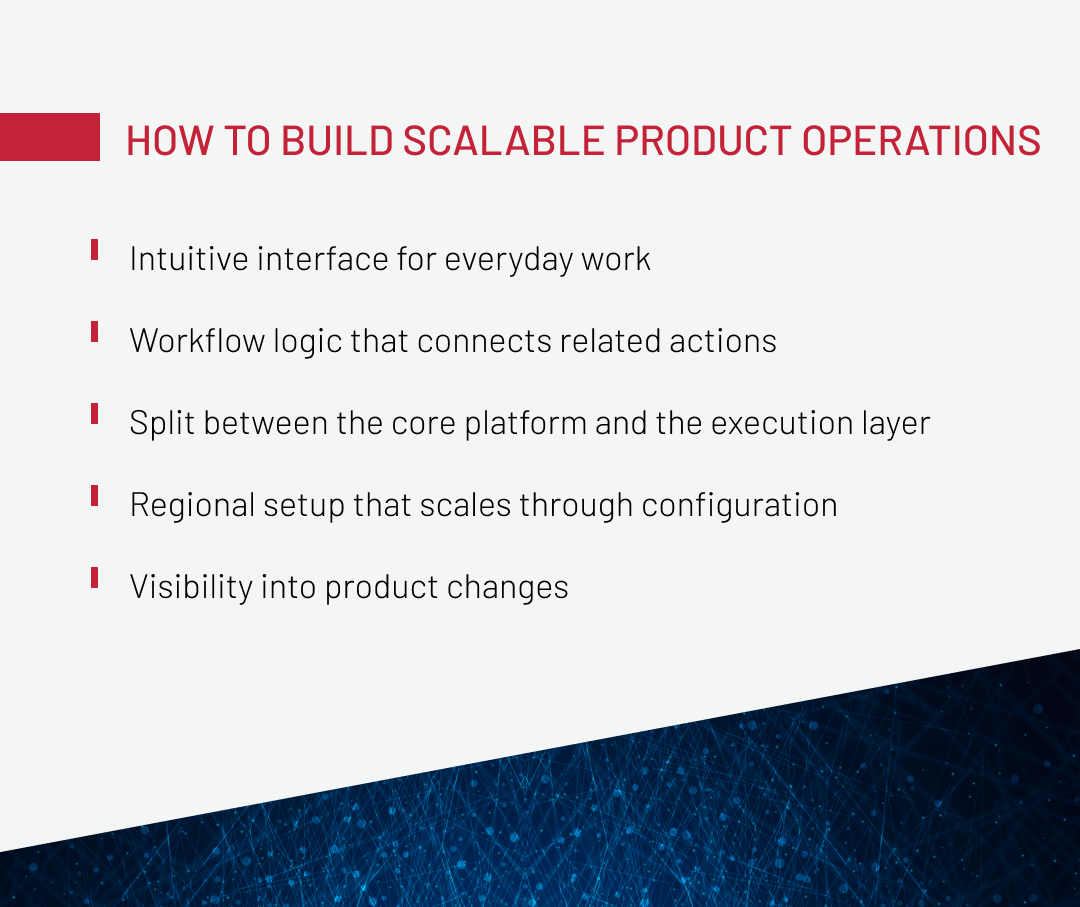
How to Build Scalable Product Operations
A scalable product operations model has four layers: guided workflows, stable core data, configurable regional logic, and self-service traceability. Together, they reduce manual coordination without replacing the core ecommerce platform.
These are general principles, and they apply to any team trying to scale product operations across regions. Let’s take a look at an example to see how these principles can be applied in practice.
Relying on ecommerce web development expertise, we’ve worked with a global medical device manufacturer running catalog managers, pricing teams, and regional admins inside the same SAP Commerce Cloud (Hybris) Backoffice across multiple regions. As operations expanded, the problem occurred not in product volume, but in execution. The system was too complex for routine business tasks, simple updates required too many manual steps, and day-to-day work depended on specialists with deeper SAP Commerce Cloud expertise than these tasks should have required.
That made scaling harder. Each new region added more coordination, more onboarding friction, and more room for inconsistent execution. The client needed a simpler operating model that would support growth without making routine work heavier. To achieve that, we applied the principles outlined above in practice. Here is what that looked like.
Intuitive interface for everyday work
The core problem was that the existing interface required deep platform knowledge to operate. Catalog managers, pricing teams, and regional admins were all working inside a Backoffice that had been built for technical users, not the people who actually used it every day. Hiring or training people who could navigate it was slow and expensive, and the dependency on a small group of platform experts had become a bottleneck.
To solve that, we added a new interface around the daily workflows of the people using it. Instead of exposing the full complexity of the underlying SAP Commerce Cloud system, we introduced a simplified management layer on top of it, which was designed around the tasks regional managers, catalog owners, and pricing teams perform every day. The underlying platform stayed intact as the source of truth. The result was an interface that business users could operate without involving a developer or specialist.
Cases like this show that scaling product operations is not always limited by the platform itself. Sometimes the bigger issue is that everyday work is being done in an environment that exposes too much technical complexity, and a simpler execution layer can make that growth easier to support.
On top of that simplified layer, we added flexible filtering. Instead of presenting every product in a single undifferentiated list, users got filtered views that matched their role and region. The filters could be saved, so a manager working with a specific product subset could return to exactly that view without reconfiguring anything.
Expert Soft specializes in SAP Commerce Cloud customization for enterprise ecommerce teams. Let’s talk about your setup.
Contact UsWorkflow logic that connects related actions
One operational change shouldn’t depend on disconnected manual follow-ups. When a single action, let’s say, deactivating a product, requires the user to remember and manually complete three other things across two different places in the system, it’s one of the clearest signs that a product operations model isn’t ready to scale.
In our project, Expert Soft’s team implemented workflow automation directly inside SAP Commerce Backoffice to connect related actions into a single guided flow. When a product status changed, related updates triggered automatically. When a promotion-linked product was modified, the relevant stakeholders were notified without anyone having to remember to send an email.
The result was a measurable reduction in human error, which comes from the cognitive load of managing too many disconnected steps. When the system handles the sequence, teams can focus on the decision, not the logistics of executing it.
Split between the core platform and the execution layer
One of the key architectural decisions was to keep SAP Commerce Cloud Backoffice as the back-end foundation — the single source of truth for product data, pricing rules, and catalog structure. On top of that, we built a separate management layer to handle day-to-day operations more efficiently.
This split matters more than it might appear. When the core platform and the execution layer are conflated, every operational change carries platform risk. Teams are reluctant to experiment, and admins become gatekeepers because touching the wrong thing can break something important.
By separating the two, the core system stays stable and auditable. The execution layer, where catalog managers spend most of their time, can be shaped around real workflow needs without affecting the underlying data model. This gives regional teams the autonomy to operate independently and keeps the platform stable, allowing the system to scale without relying on developers for every routine change.
Regional setup that scales through configuration
Adding a new region shouldn’t mean rebuilding the workflow from scratch. However, without a configuration-driven approach, that is exactly what happens: every new market requires duplicating the same rules, permissions, and attribute sets that already exist elsewhere in the organization.
The approach taken in this SAP Commerce (Hybris) Backoffice customization project flips that dynamic. Regional differences, such as different attribute requirements, different approval chains, different user roles, were managed through configuration without bespoke development. The underlying workflow structure remained consistent. What changed per region was the configuration layer on top of it.
This is what SAP Commerce automation should look like in practice: not just automating individual tasks, but automating the setup of new operational contexts so that scaling to a new market is a configuration exercise, not an engineering project. For teams managing large product catalogs across B2B channels, this distinction determines whether international growth is manageable.
Turn product data from a bottleneck into a system that works for your team. Get a practical, field-tested approach to structuring PIM so it fits into complex stacks, reduces rework, and supports scale from day one.
DownloadVisibility into product changes
Scaling operations requires traceability, not just execution speed. A team that can act quickly but can’t tell you what changed, when, and by whom might face a serious problem and lose institutional knowledge entirely.
For the client’s team, the foundation was already there: SAP Commerce Cloud Backoffice records product changes in its saved values data. The problem was access — getting that data into a usable form still required the support team to run scripts and assemble reports manually every time someone asked.
Our first move was to build the reporting logic on top of what SAP Commerce was already capturing. We implemented it as a Groovy script running as a cron job. That covered the core need, but reports still flowed through the client’s support team.
So we extended the reporting logic through APIs and connected it to the product management interface. Business users could now generate reports themselves by entering parameters like region, date range, and employee name, with results emailed back automatically. The original Groovy core stayed in place, while the API layer made it user-facing.
For regional managers and catalog owners, this translates directly into faster troubleshooting, cleaner handoffs between teams, and meaningful oversight without micromanagement. It also lets SAP Commerce automation extend into compliance and audit workflows, which becomes vital as operational complexity grows.
Prioritizing these workflows pays off faster than a broader overhaul, because each one removes a recurring source of error rather than adding a new layer of process. The rest of the catalog operation tends to settle once these five stop generating daily friction.
Product Workflows to Simplify First
As the example above shows, you don’t have to redesign everything at once. The biggest impact usually comes from fixing a handful of workflows that create the most friction at scale, and based on this project, these are the ones worth prioritizing:
-

Product status and deactivation workflows
Status changes are high-frequency, high-consequence, and almost always dependent on related actions, like promotions, bundles, and regional availability. Without automation, deactivating a single product can mean updating info in different systems — the ideal workflow to forget one or several steps.
-
Attribute reuse and repetitive content preparation
Teams that manually recreate attribute sets for each new product or region are doing work that the system could be helping with. Templating and attribute inheritance cut this down significantly.
-

Promotion-linked product updates
Promotions in SAP Commerce are rule-based and reference specific product codes. If you update or deactivate a product without checking these references, the promotion either misfires or throws an error at runtime. Bringing the links directly into the workflow, so that updating a product automatically highlights the related promotion, helps avoid a whole class of everyday operational mistakes.
-
Reporting and change tracking
If your team currently exports data to a spreadsheet to answer basic questions about what changed last week, that's a workflow worth fixing. As the medical device manufacturer’s case shows, even when the data is there, what really matters is how easy it is to access, whether the team has to file a support ticket or can pull a report themselves in two clicks.
-
Recurring product subsets and role-based filtering
Every catalog manager has a set of products they work with regularly. Making these subsets saveable and role-specific turns it into a two-click starting point. One thing the client team noticed after such a rollout was how much this mattered during personnel changes. When someone new joined or shifted between regions, role-specific defaults meant they started from a working view instead of relearning how to filter the entire catalog from scratch.
When you fix these workflows, the operational layer around your product catalog becomes significantly more manageable, because the people working in it spend less time on routine execution and more time on the decisions only they can make.
How to Spot a Product Operations Model That Will Not Scale
When the global manufacturer came to us, routine product changes already required multiple steps across disconnected parts of the system, and regional differences forced the same manual work to be repeated in each market. In their case, those were clear indicators that the operational model couldn’t keep up with how the business was scaling. Pulling that experience together with patterns we’ve seen on other projects, here’s a fuller list of warning signs worth watching for in your own setup:
- Routine product changes require multiple steps across disconnected parts of the system.
- Regional differences force the same manual work to be repeated in each market.
- Business users have to involve a platform specialist to complete actions that should be self-service.
- A single change, like a product deactivation, creates a chain of follow-up tasks tracked outside the system.
- Onboarding a new team member to the system takes weeks, not days.
- Teams lack reliable visibility into what product changes were made, when, and by whom.
If three or more of these are true, the problem is structural, and better processes won’t fix it. The system needs to be built, or rebuilt, around the actual scale of the operation.
Make your ecommerce data something AI can rely on. Download our whitepaper to learn how to structure and prepare it for consistent, predictable AI performance without rebuilding your stack.
To Sum Up
Scaling product operations comes down to a few practical choices, not a full rebuild. Identify the workflows creating the most friction and connect them into guided flows, keep your core platform stable while moving daily execution into an adaptable layer above it, treat regional differences as configuration, and build change visibility from the start. None of this required replacing SAP Commerce on the project we walked through — the platform stayed intact, and the shift happened in how work was structured around it.
A scalable operations model rests on four things: a stable core that protects your data, a flexible execution layer shaped around how teams work, a configuration-driven regional setup that absorbs new markets without custom builds, and self-service traceability that makes every change visible without going through a specialist. What doesn’t work is stacking more processes, documentation, or SOPs on a system that can’t support the scale — that just moves the bottleneck instead of removing it.
The clearer signal that a model is ready to scale isn’t speed, and it’s whether routine work runs without depending on the few people who happen to know the system best. If you’re looking at your current setup and trying to figure out where to start, we’re always willing to share what we’ve seen work in practice. Let’s connect!
New articles

See more

See more

See more

See more

See more