
Best Practices for Managing Traffic Spikes in Ecommerce Without Downtime

Peak season is the crash test of every ecommerce platform. It’s when architecture, infrastructure, and code either perform like a well-rehearsed orchestra or fall apart under pressure, watching a spinning loader. Black Friday, influencer drops, or holiday collections often act like a truth serum. They expose weak queries, misconfigured nodes, and sluggish integrations faster than any audit ever will.
At Expert Soft, we provide application support services to long-term ecommerce clients and often take part in preparing platforms for high-load events. This article is a collection of best practices we actually use before, during, and after traffic spikes to keep storefronts stable, responsive, and profitable under any load.
Quick Tips for Busy People
If you don’t have time to read the whole article, here’s the condensed version: the things that decide whether your platform survives peak ecommerce traffic or falls apart.
- Identify where systems crack under load: databases, order workflows, integrations, and caching layers are the components that tend to fail first, impacting the whole system.
- Strengthen the data layer before scaling out: profiling the database, cleaning up schemas, and removing heavy joins usually deliver far bigger performance gains than blindly throwing more hardware.
- Mix scaling strategies: combine proactive scaling, smart autoscaling, and caching of most used data to ensure the platform stays fast even when traffic behaves differently than expected.
- Keep heavy workflows asynchronous to protect checkout: shift fraud checks, ERP syncs, invoice generation, and stock validation into event-driven queues so customer-facing steps remain quick during peak load.
- Maintain accurate availability under high load: rely on real-time stock alerts, automatic bundle rules, and continuous synchronization with inventory systems so customers never buy items that can’t be fulfilled.
- Test for real behavior, not ideal conditions: simulate full customer journeys, add natural pauses, introduce failures intentionally, and monitor queues and backlogs to reveal issues that clean, stateless load tests never show.
- Let infrastructure automate resilience: define environments with IaC, run automated health checks before releases, and use gradual rollout strategies so the platform scales predictably and recovers safely during peak events.
Keep on reading for a deep dive.
Common Weak Points Under High Load
When traffic spikes, problems rarely start with the UI or business logic. They begin in underlying components and become impossible to ignore when thousands of users hit checkout at once. Based on our experience, these are the areas most likely to fail under heavy load — parts of the system that tend to show stress first.
1. Database
The database often becomes the bottleneck during peak load because design choices that work under normal traffic start showing their limits. High read/write volume, unoptimized queries, or redundant data structures quickly amplify latency.
Our team has dealt with this more than once: massive queries, deep joins, and overloaded indexes dragging performance down. Once we simplified joins, and cleaned up redundant structures, we saw a significant boost in both database scalability and reliability.
For example, in one SAP Commerce Cloud project, we achieved up to a 100× reduction in database queries, cutting product detail page load times from 5 seconds to under 90 milliseconds by restructuring the data model: localized and non-localized attributes were split, query patterns simplified, and frequent configs cached.
2. Configurations
Default SAP Commerce Cloud settings aren’t built for high concurrency or complex data flows. Thread pools, timeout values, cron job execution, and cache regions must be tuned before peak load, otherwise, processes like checkout or order placement start timing out. Even with enough infrastructure, untuned defaults can silently throttle performance. Proper configuration ensures the platform matches real workload demands.
3. Order fulfillment processes
Scaling is usually a problem of timing and architecture. When additional resources are provisioned only after performance starts to drop, the system is already under strain. Order processing and fulfillment workflows tend to hit this limit first: once queues overflow on a single node, delays cascade through dependent services.
In SAP Commerce Cloud systems, the platform supports modular scaling, allowing separate nodes for storefront activity and background business processes. This setup works well only when capacity planning is done in advance and scaling policies are defined before peak load.
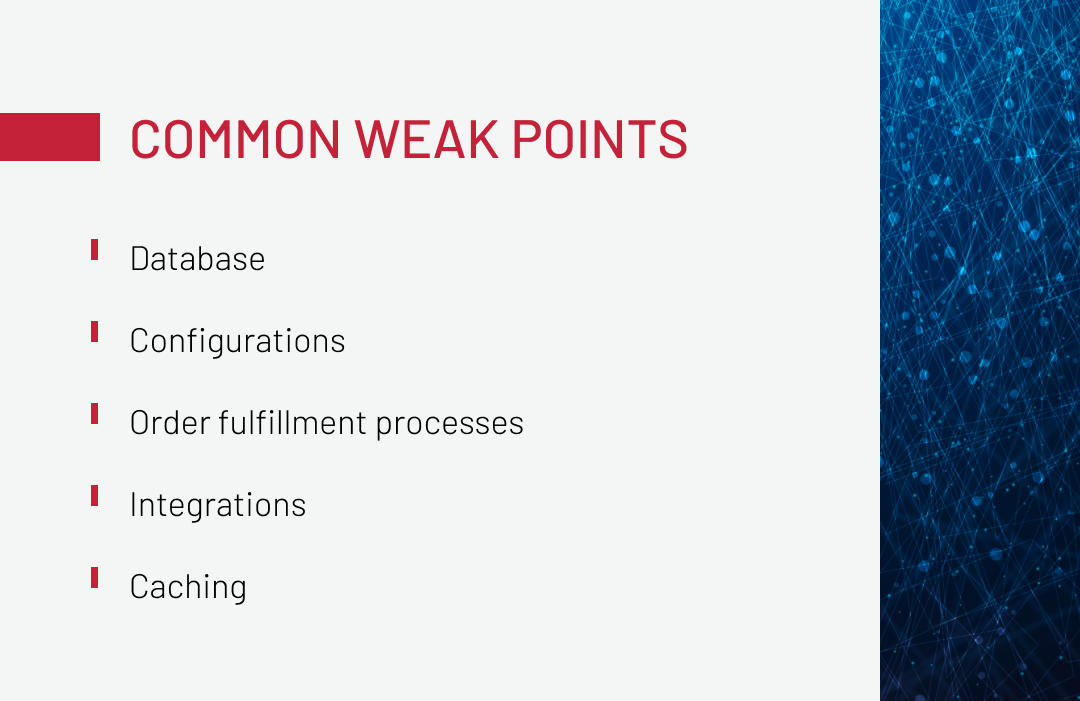
4. Integrations
Even if the platform itself is stable, external systems can become the weakest link. Enterprise ecommerce environments typically rely on third-party services, such as payment gateways, ERPs, tax providers, etc., and if any of these slow down or stop responding, order fulfillment processes begin to fail.
Here is an example. We worked on a peak campaign where everything on our side was fully prepared and scaled in advance: plenty of resources, healthy business-process nodes, no unusual spikes. But at one point, we noticed that order validation had stalled.
Monitoring showed the issue wasn’t internal, as the resources were fine. After digging in, we found that the external fraud check system had stopped responding under load and wasn’t returning the data we needed. Without that information, our system couldn’t validate orders, so they weren’t being processed.
It took several hours for the provider to fix their system, plus extra engineering work on our side. Fortunately, customers never felt the impact: orders were still captured, and we later restored all of them using a recovery script. That’s how a single overloaded integration can undermine ecommerce scalability and performance.
Growth brings more systems to connect, and your ecommerce platform needs to be structured so new integrations can be added quickly and safely. Learn how to do it with our whitepaper.
5. Caching
Caching mistakes are a common source of performance issues during peak events. The most frequent problems include:
-

No caching at all
Every request hits the database or application layer.
-

Caching at the wrong layer
Static or frequently accessed data is cached too deep in the stack.
-

Inconsistent TTL (time-to-live) across cache levels
Different cache layers expire data at different times, causing mismatches.
We encountered the last issue during preparation for a flash sale. Five caching layers were in place: CDN, Spartacus front-end cache, Node.js middleware, SAP API cache, and database-level caching, but TTLs weren’t synchronized. Some users saw outdated prices and missing product images. After aligning TTL values and invalidation rules, both consistency and system performance returned to normal.
If misconfigured, it slows pages, breaks prices, and overloads databases. Download our whitepaper to learn how cache misuse can undermine system performance.
Best Practices for Managing Traffic Spikes
When traffic surges, systems don’t break evenly. Some parts hold up, others slow down, and one weak component can bring everything else with it. Below are best practices that will help you avoid that.
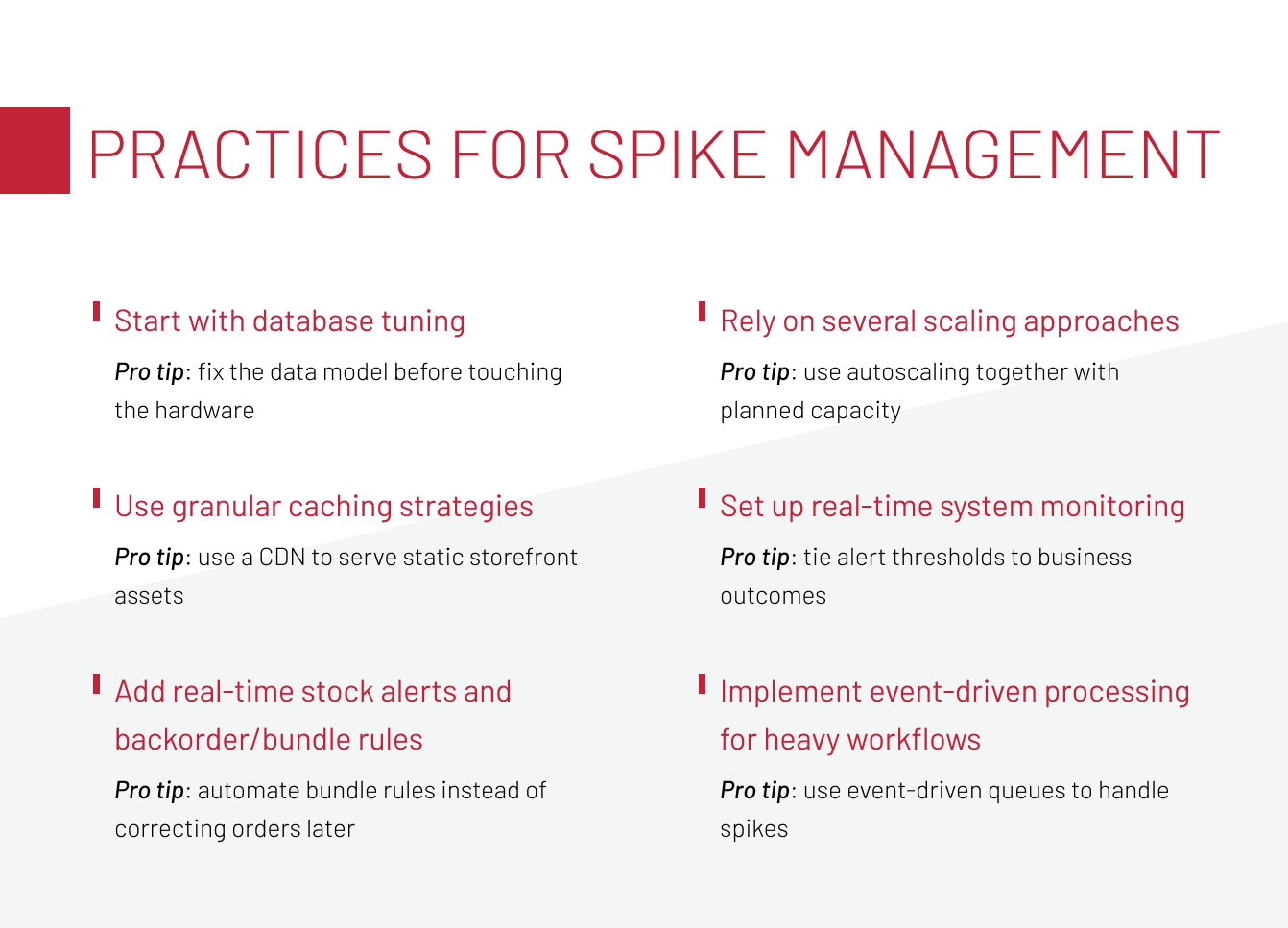
Start with database tuning
Peak events often expose how much extra work a database is doing. If joins are slow, indexes are missing, or tables have ballooned in size, response times climb quickly as more users hit search and checkout at the same time. When you’re scaling a database to handle growing traffic, these bottlenecks show up first.
That’s why, before any high-load release, our team starts with database profiling rather than provisioning new nodes. A good practice here is bringing in performance engineers. They spin up the solution on one of the environments, run their tooling, and evaluate how efficiently the system interacts with the database. If they spot inefficiencies or slow query paths, we revisit the design and adjust our approach long before traffic arrives.
Pro tips:
-

Fix the data model before touching the hardware
A well-structured schema will speed things up far more than throwing extra nodes at the problem.
-

Keep the database trimmed
archive or remove data you no longer need so tables don’t grow endlessly and queries stay fast as volumes increase.
-

Design for the scale you’re heading toward
Structures that work fine at 100K records may slow down at 10M, so revisit tables, indexes, and access patterns regularly to keep performance steady.
Rely on several scaling approaches
Relying on only one scaling approach can create gaps in capacity planning. Proactive scaling prepares the system for scheduled events and expected load, while reactive scaling helps the platform adjust when traffic patterns differ from what was forecast. Each approach covers a different part of the workload profile, so using both together creates a more consistent operating environment.
In practice, we’ve seen that when only one approach is in place, the system can reach its limits faster than expected. For example, during one high-traffic event, additional nodes were added only after queues had already started growing. They eventually came online, but order-processing workflows had stalled by that point, and engineers had to restart the processes manually. A combination of planned capacity and responsive scaling would have reduced the impact in that situation.
Pro tips:
-

Use autoscaling together with planned capacity
Prepare for the load you expect ahead of time, and let autoscaling catch unexpected load shifts.
-
Put guardrails around autoscaling
Set clear min/max limits, cooldowns, and scale-in protections so the system doesn’t jump up and down or react too aggressively under pressure.
-

Verify scaling behavior in advance
Test how the system scales up and down before the event, not during live traffic.
Use granular caching strategies
Caching works best when it supports the system’s overall design. You can’t avoid database calls entirely, but a good caching strategy cuts down how often they happen during heavy traffic. When the cache is set up carefully and placed in the right layers, it takes pressure off the database and helps keep response times steady.
Pro tips:
-
Use a CDN to serve static storefront assets
Media and scripts can be offloaded from application servers, so you avoid unnecessary load when traffic surges.
-
Cache at the front-end layer (e.g., Spartacus)
Product and category pages change less often than you think, so front-end caching prevents frequent rebuilds for every user request.
-
Align TTLs and invalidation rules across all cache layers
When TTL values vary or invalidation policies are inconsistent, you risk serving stale or conflicting data, which can degrade user experience during a high-traffic event.
Implement event-driven processing for heavy workflows
During peak traffic, synchronous processes must stay lean. Checkout, cart operations, and payments shouldn’t wait for long-running workflows like fraud detection, invoice generation, or ERP synchronization.
That’s why we push heavy workflows into asynchronous queues using event-driven architecture, for example, SAP Event Mesh. An order is created and confirmed immediately, and only then does the system publish events like “order placed” or “payment confirmed” for downstream services to process.
Pro tips:
-

Push heavy tasks into async processing
Offload things like fraud checks or ERP syncs to background workers or message queues (e.g., Kafka, RabbitMQ) so they run outside the main request flow and keep checkout fast during traffic spikes.
-

Keep the checkout flow synchronous
The purchase step must run immediately to ensure consistency and give customers a solid confirmation right away.
-

Use event-driven queues to handle spikes
Offload heavy tasks into asynchronous flows so sudden order surges don’t block core processes.
Add real-time stock alerts and backorder/bundle rules
To prevent customers from buying items that are already gone, the system needs up-to-date stock data synchronization, especially when multiple channels and high traffic are involved.
For example, an ecommerce platform can send inventory-reservation events to an external warehouse solution, so it automatically increases inventory if possible. For bundle products, availability must consider every component — if even one item runs out, the bundle should adapt or temporarily switch off before orders start failing.
Pro tips:
-
Surface stock issues early with alerts
Real-time notifications help teams respond before items hit zero, keeping availability accurate under fast-moving demand.
-
Automate bundle rules instead of correcting orders later
Ensure the system adjusts or disables bundles as soon as one component runs low, preventing failures during checkout.
Set up real-time system monitoring
As platforms grow, observability has to grow with them, giving teams a real-time understanding of system behavior so that early issues are noticed and addressed long before they reach customers.
For SAP Commerce Cloud projects, Dynatrace is our go-to tool. It lets us watch technical metrics, like CPU, memory, threads, DB time, alongside business issues like failed checkouts or stuck orders. When alerts are set up right, our engineers usually fix incidents in under an hour, which our expert calls a solid, achievable target.
We also combine reactive and proactive monitoring practices to ensure comprehensive observability and fast issue discovery.
Pro tips:
-
Use SLO-driven alerts
Tie alert thresholds to business outcomes so signals highlight real user impact and help surface failures anywhere in the application.
-
Create multi-level dashboards:
Give executives business visibility, on-call engineers real-time alerts, and developers deep traces.
-
Link every alert to a runbook
Clear diagnostic steps and escalation rules remove guesswork, helping teams resolve incidents quickly, even under pressure.
Prepare rollback scenarios for critical releases
No peak event should happen with untested code being deployed without a way back. Even minor updates, such as a new discount rule or a payment change, can break order flow.
On large-scale projects, rollback plans are mandatory. This includes having a stable previous build available, database or configuration backups if needed, and tested rollback instructions. If things go wrong, the system should be back to the last stable state in minutes, not hours.
Pro tips:
-
Keep a stable build accessible
Maintain a reliable fallback version so the team can immediately switch back if an issue appears during a peak event.
-
Ensure releases can be safely reverted
Provide a straightforward path to restore system stability without relying on full rollback procedures intended only for major changes.
-
Validate the reversion process in staging
Test the fallback flow before production releases to confirm that reverting is fast, predictable, and safe under real conditions.
Let’s talk about your current setup to find out what can be improved before the next traffic surge.
Contact Our TeamSystem Testing Best Practices
Before peak traffic, testing should reveal how the system handles stress, including slowdowns and failures. The points below outline what teams should keep in mind to run meaningful tests and avoid common traps.
Prevent positive bias concerns
What can go wrong:
It’s easy to trust a load test that looks “too clean”: low traffic, no visible errors, flat response times, and conclude the system is ready. In reality, this often means the load was insufficient or the wrong signals were monitored. Teams might test with a few hundred virtual users and assume the same setup will handle tens of thousands, or focus only on API response time while asynchronous queues quietly build up a backlog that only shows under real peak traffic.
How to avoid it:
Design load tests to actively challenge the system, not to confirm that everything is fine. Ramp load gradually toward realistic and peak levels, and monitor more than just HTTP 2xx/response time. Include queue depth, background job latency, and processing backlogs in Kafka/RabbitMQ or similar systems. The goal is to see how the platform behaves when pressure grows over time, so “smooth” test results reflect real robustness.
Increase the load gradually
What can go wrong:
A common mistake in load testing is jumping straight to max traffic. When you do, the system usually collapses all at once, and you can’t tell which part broke first. Ramping up the load slowly reveals problems in order, so each one can be understood and fixed.
How to avoid it:
The right approach is to scale traffic in phases while monitoring how response time, error rate, queue size, CPU, DB latency, and thread usage change over time.
In SAP Commerce Cloud projects, we use Dynatrace and Cloud Portal dashboards to watch these metrics in real time. The goal is to identify the system’s saturation point — the moment performance starts degrading and record that data for scaling thresholds.
Design stateful user sessions
What can go wrong:
Stateless load tests, where virtual users send isolated GET requests, don’t simulate real ecommerce use. They don’t create sessions, fill carts, apply promotions, or trigger stock reservations, so the system appears more stable than it actually is.
How to avoid it:
Tests should simulate full user journeys with session tracking: browsing, adding items to cart, logging in, applying promo codes, checking stock, selecting delivery options, and completing payment. This produces real database writes, cache invalidations, stock changes, and integration calls. Only then you can see if session data persists, carts are retained, and inventory updates happen properly under stress.
Incorporate pauses between actions
What can go wrong:
If virtual users execute every action instantly, the test ignores how real shoppers behave — browsing, comparing, and pausing between steps. Without these natural gaps, all requests hit the system at the same moment, creating a synthetic load spike that distorts the results.
How to avoid it:
Introducing think time — small, randomized pauses between actions — makes simulations closer to real-life traffic patterns. These pauses prevent synchronized spikes and reveal timing-related issues, like session expiry, race conditions, or delayed cache updates.
Test failure scenarios
What can go wrong:
Most platforms are only tested for successful orders, but during traffic peaks, payment gateways go down, inventory runs out, and third-party services fail. So, you need to understand what will happen after.
How to avoid it:
It’s a good rule of thumb to simulate failure intentionally. That includes cutting payment gateway responses, delaying ERP or tax service integrations, forcing inventory to hit zero, or letting two users try to buy the last available unit, which is a classic inventory race condition.
During these tests, it’s crucial to verify that no duplicate orders are created, carts aren’t lost, data remains consistent, and the system recovers normally after services come back online.
Infrastructure Automation Best Practices
Preparing infrastructure for peak traffic goes far beyond adding servers or tweaking Cloud Portal settings the night before a sale. Systems need to scale themselves, verify that every service is healthy, and roll back changes if something goes wrong without waiting for an engineer to step in.
Automate infrastructure provisioning with IaC
During peak traffic, manually provisioning nodes or changing configurations in production introduces unnecessary risk. Infrastructure should be reproducible, consistent, and scalable by design. Using Infrastructure as Code (IaC) tools such as Terraform, AWS CloudFormation, or Azure Resource Manager, entire environments can be defined in code, from compute resources and databases to networking and autoscaling rules, ensuring that deployments behave predictably every time.
-

How to approach it in practice
Prepare IaC templates ahead of peak periods, including instance definitions, security settings, autoscaling policies, and database parameters. Treat these templates as the source of truth for building and adjusting environments. The goal is for every environment to be fully rebuildable from code rather than from manual configurations or institutional memory.
Integrate automated health checks into deployment pipelines
Deploying new code before a peak without automated validation exposes production to unnecessary risk. CI/CD health checks ensure a build meets stability requirements before real traffic reaches it, verifying core APIs.
-
How to approach it in practice
Add automated API calls and infrastructure probes to your deployment pipeline. Block the release if core health checks fail — for example, when API latency rises, database responsiveness degrades, or queues start growing — so only stable builds reach production. Run these checks before routing production traffic, not after customers start placing orders.
Implement gradual release and environment segmentation
Ahead of major sales, teams often introduce changes, such as new product types, updated pricing rules, or campaign-specific logic. Even these pre-planned updates can introduce instability if pushed live all at once. Gradual rollout strategies, such as blue/green and canary, help validate changes safely before full exposure.
-
How to approach it in practice
Use a staged deployment pipeline. With canary, roll out the update to a small traffic slice first and increase exposure only after the new version proves stable under real load. This approach ensures campaign-critical updates reach production safely without risking the full peak load.
To Sum Up
Peak traffic is the moment that shows whether your platform is architected for scale or held together by quick fixes. Under real load, performance bottlenecks become obvious: slow database queries, missing indexes, overloaded services, and third-party integrations that stop responding when demand spikes.
Systems that hold up under pressure share a few traits: clean database design without heavy joins, integrations that stay responsive as load grows, consistent caching across layers, and monitoring that follows business outcomes. All the practices described in the article, when combined, keep teams focused on performance when it matters most.
If you’re preparing for a sales peak or want a reality check on how your platform behaves under load, we’re always happy to jump on a call if you want to dig into it.
New articles

See more

See more

See more

See more

See more